MCC Master Control Display- DDC control ReplacementASY-407-X02/ 9600002054
Original price was: $333.70.$171.36Current price is: $171.36.
Description
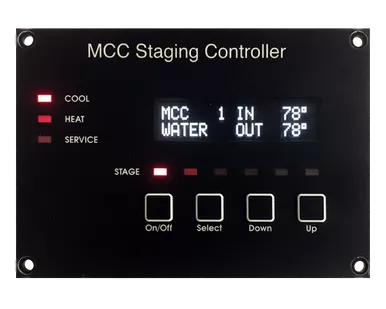
MCC Master Control Display 9600002054The MMC Master Control Display is a fully-compatible replacement for the CWMC control display offered with some Marine Air Systems® chilllers. The MCC Master control display is the companion for the MCC Master control board.Marine Air Systems is a registered trademark of Dometic Corporation
Introduction
The MCC staging controller is a multi-stage controller capable of handling up to 6 chillersand two displays. The MCC staging controller system consists of a circuit board that connects toone or more MCC controls and a display. The display panel shows the active state of each MCCcontrolled compressor or heater connected, inlet and outlet temperatures for each stage, andthe run time hours for each stage. Each compressor in the system is considered a stage.
Operating the display
When the system is off the display reads “SYSTEM OFF”. Press and release the powerbutton once to turn the system on. Use the SELECT BUTTON to obtain heating or cooling asrequired. Stages called for are indicated by the stage LED. The display back lighting isautomatically activated when any button is pressed. Not pressing any buttons for sixty-secondsautomatically turns OFF the back lighting.
When the system is active in heat or cool, the display will scroll information showingwater in and out for each stage and the run time hours for the stage being displayed. If theoptional refrigerant pressure transducers are installed, the pressure readings will also bedisplayed with each stage. A stage that has been bypassed will also display as “Stage xBypassed”. If the optional water pressure sensors are installed, the pressure information willdisplay after the last stage data is displayed.
Display scrolling can be temporarily stopped by pressing and releasing either the up or downbutton once. The display will stop scrolling at the function where it’s stopped. To move forward throughthe scroll functions press and release the up button. This moves the display forward one scroll item. Tomove backward through the scroll functions press and release the down button. This moves the displaybackward one scroll function. Exit the display scroll function by simultaneously pressing the up anddown buttons. The display will also automatically resume normal scroll functions if no buttons arepressed for sixty–seconds (60).
Direct replacement for Dometic DDC control 4471000148 / 290000200
Related products
-
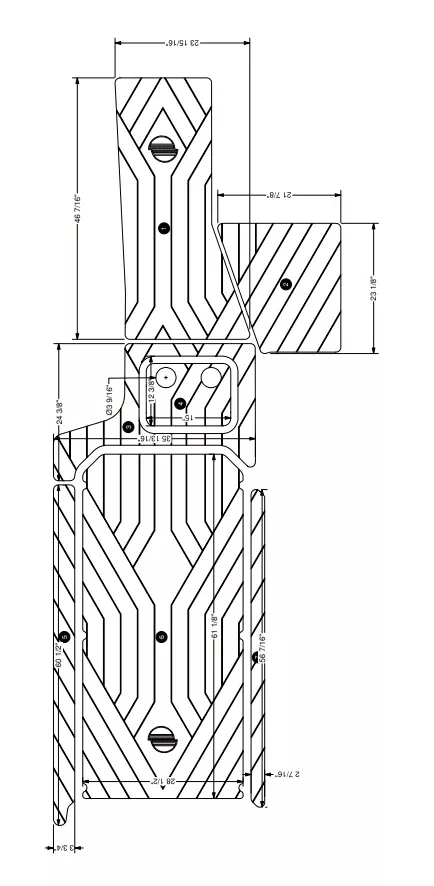
Malibu Floor Covering, Soft Grip Kit, Mocha, 23LSV, S, 18-
Original price was: $893.51.$503.51Current price is: $503.51. -
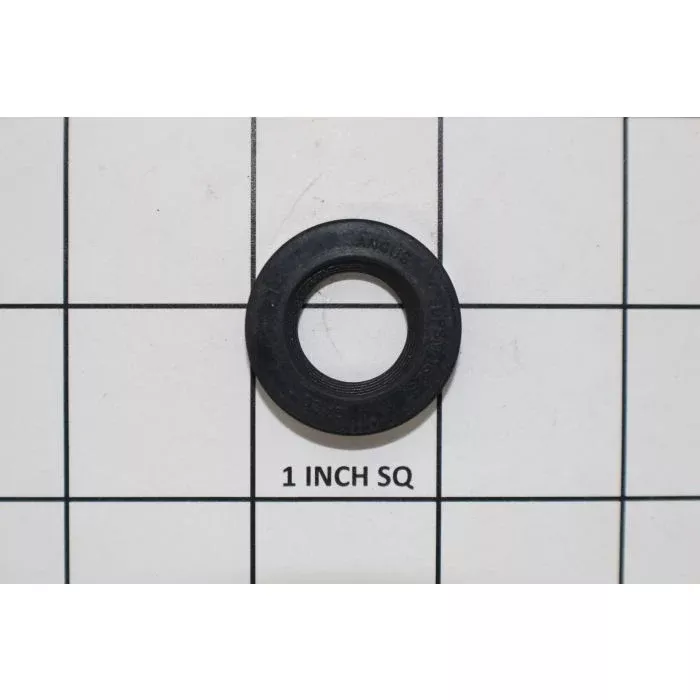
Indmar Raw Water Pump Seal
Original price was: $22.40.$16.76Current price is: $16.76. -
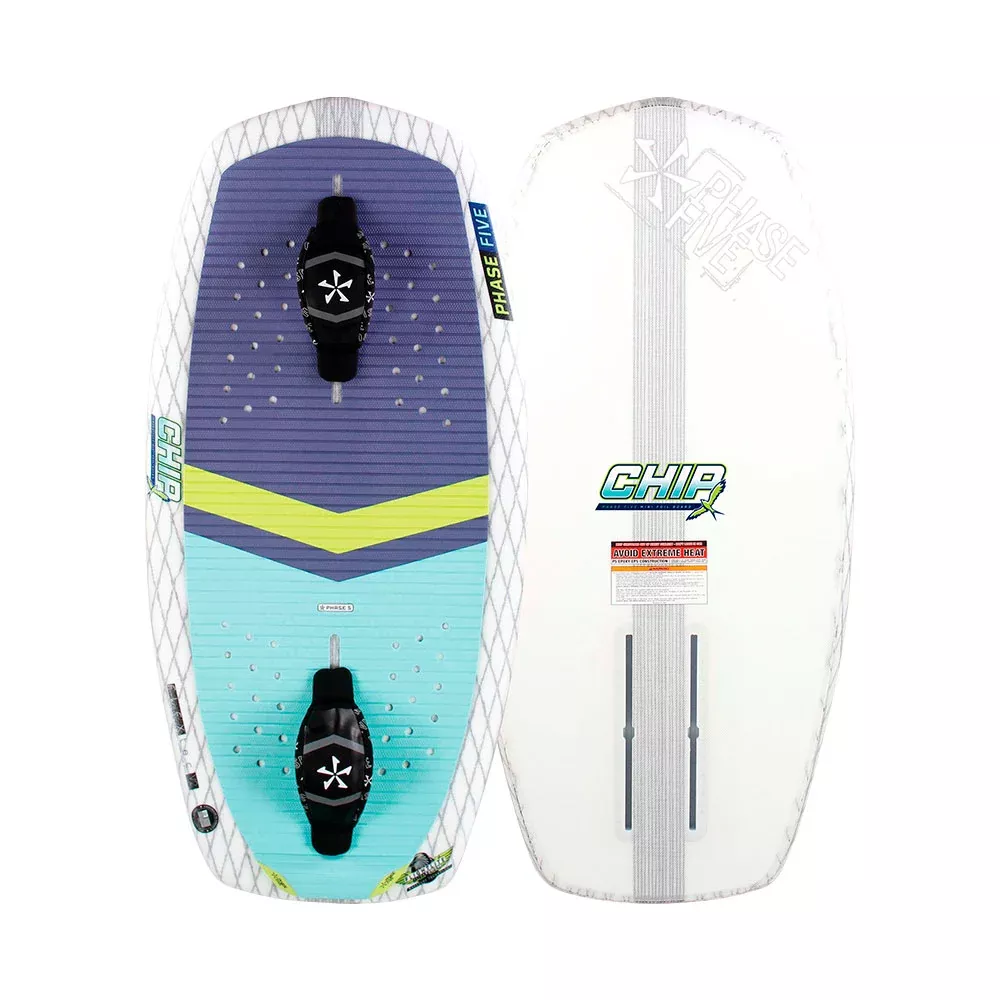
Phase Five Chip foilboard
Original price was: $1,017.60.$614.30Current price is: $614.30. -
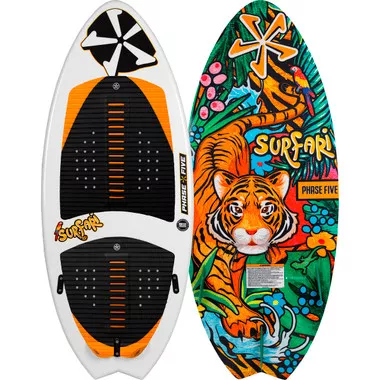
PHASE 5 Surfari 45″ Wakesurfer NEW – 2026
Original price was: $356.00.$189.90Current price is: $189.90. -
Indmar 6.2L Ford Idler Assembly
Original price was: $168.21.$88.35Current price is: $88.35. -
Mission Boat SENTRY 2.0 Boat Fender – 2pk
Original price was: $126.40.$93.02Current price is: $93.02. -
Malibu M-Series/LT4 Engine Coolant
Original price was: $39.19.$25.42Current price is: $25.42. -
Hyperlite Unite Child – CGA Vest
Original price was: $25.59.$17.59Current price is: $17.59.